UI UX Pro Max
Retrieve design guidance, then apply it
Choose a page direction, theme rules, or component guidance from local design references, retain the rationale, and let the assistant implement and verify it.
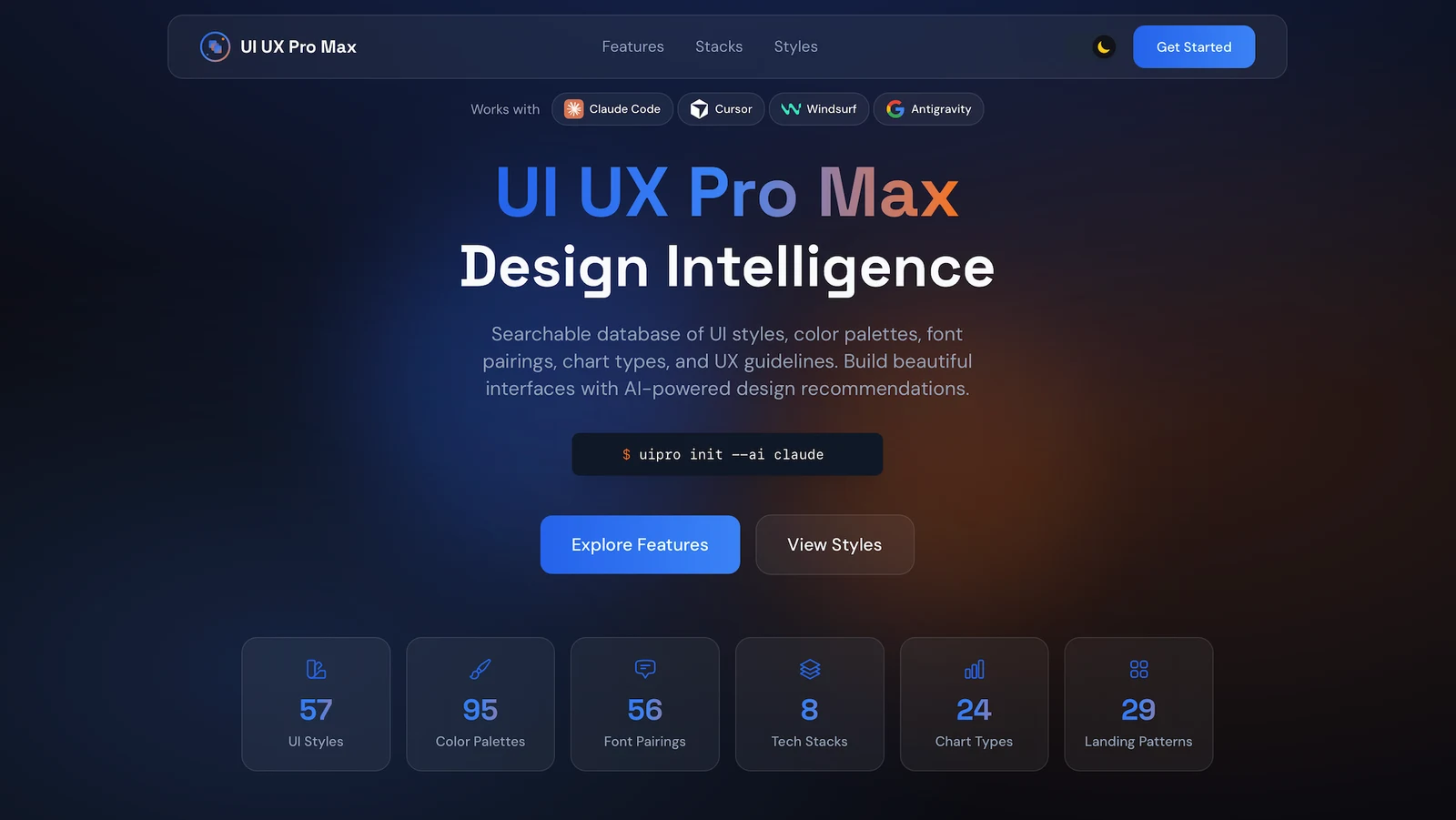
Hosts listed by the author
- Claude Code
- Codex
- Cursor
- Gemini CLI
- GitHub Copilot
- OpenCode
- Windsurf
- Kiro
- Antigravity
- OpenClaw
- Trae
- GitHub stars
- 142,627
- Version
- 2.15.0
- Checked
- Categories
- Design & VideoProduct & Project
Establish one page’s direction and keep the evidence
For a new page, start with a proposal you can trace. For an existing theme, read its rules first. For a component problem, run a focused search. A well-scoped query is more useful than loading every style and guideline into one task.
Pick a task and get started
Locate the actual script after installation. Replace SEARCH_SCRIPT and PROJECT_ROOT below with absolute paths, keeping the surrounding quotes. On Windows, replace python3 with your available Python 3 command.
Check the matches before saving rules for a new page.
Install inside a Claude Code session
Run each line inside Claude Code. This path uses the repository plugin; other hosts can use the author’s CLI installer. Do not treat the plugin, npm package, and repository files as identical snapshots based only on a version label.
Read the author’s setup guide/plugin marketplace add nextlevelbuilder/ui-ux-pro-max-skill /plugin install ui-ux-pro-max@ui-ux-pro-max-skillFirst use: plugin, actual script, project output path
Run the two installation lines inside Claude Code, not a system shell. Confirm the assistant can load ui-ux-pro-max. From that loaded SKILL.md, locate scripts/search.py in the same skill directory and use its absolute path for SEARCH_SCRIPT; the plugin may live outside the project. Check python3 "SEARCH_SCRIPT" --help, then replace PROJECT_ROOT with the project’s absolute path. Prepare brief.md and create research/ in the project for original results. The first prompt starts without persistence, checks the sources, and only then writes to an explicit project directory.
Author’s installation and usage guideGive your AI this first task
These tasks and the text example are editorial instructions for expected deliverables. We did not run the scripts or treat a community example as our own test.
Use ui-ux-pro-max. Read brief.md, the brand materials, and project conventions. For a home-services booking page, identify the audience, real services, primary action, target devices, and known stack. Deliver a design specification in this task; do not call a recommendation document an implemented website. Locate the installed skill’s scripts/search.py and replace SEARCH_SCRIPT with its absolute path. Run python3 "SEARCH_SCRIPT" "home services booking" --design-system -p "Service Site" --json. Save complete stdout as research/design-system.json and retain error output separately. Replace the query and project name for the actual task. Within the JSON design_system object, check category, source_identities, reasoning_default, and source_derivations. Explain the product, style, color, typography, and layout sources. For defaults, missing identities, or poor matches, retry once with a narrower query. If no suitable source is found, label the fallback instead of persisting it as a verified product-specific design. Write design-decisions.md using the matches and brand constraints. Explain the page sections, primary action, foreground/background pairs, font roles, and states to verify. Query the detected implementation stack separately with --stack; do not combine it with --design-system. Once the draft has been chosen for this project, add --persist --output-dir "PROJECT_ROOT" to the same generation command. The example name creates design-system/service-site/MASTER.md. Read any existing file first and do not overwrite it with --force. Check persistence.status, persistence.created_files, and the actual saved content; skipped_exists means the old file remains, not that the new proposal was saved. Deliver the specification, source record, and a page-validation checklist. Colors and checklist entries alone do not establish WCAG conformance.
Check what you receive
- A design proposal with matched sources and disclosed fallbacks.
- The actual MASTER.md, or a clear record that an existing file was preserved.
- Brand decisions and checks to perform on the implemented page.
More about this skill
UI UX Pro Max is maintained by NextLevelBuilder. It stores styles, colors, typography, layouts, and interface guidance locally, then combines a search script with a skill workflow. Keyword ranking and explicit rules produce recommendations. Understanding the business, changing components, running the project, and assessing the result remain the assistant’s and project tools’ work.
Three entry points cover most tasks: --design-system proposes a coherent direction, --domain addresses a design concern, and --stack retrieves implementation guidance for a confirmed stack. Design-system mode does not also apply --stack, so query them separately. The current skill says to detect the project rather than assume HTML/Tailwind.
The generator can produce structure, semantic colors, font pairs, effects, and checks even when some searches have no match. Its JSON exposes source identities, default-rule use, and derivations. Retaining those fields makes the difference between a catalog match and a filled-in default visible.
The three tasks below operate at different scales: a traceable specification for a new page, a theme migration within existing tokens, and a focused filter-chip repair. Persisted rules help later pages stay consistent; real copy, data, and interaction states determine whether the implementation works.
Sources and verification
Sources checked
Core guidance and implementation were checked at commit 28b3b8d and compared with the v2.15.0 release tree. We did not install the tool, run its search scripts, or generate a live interface.