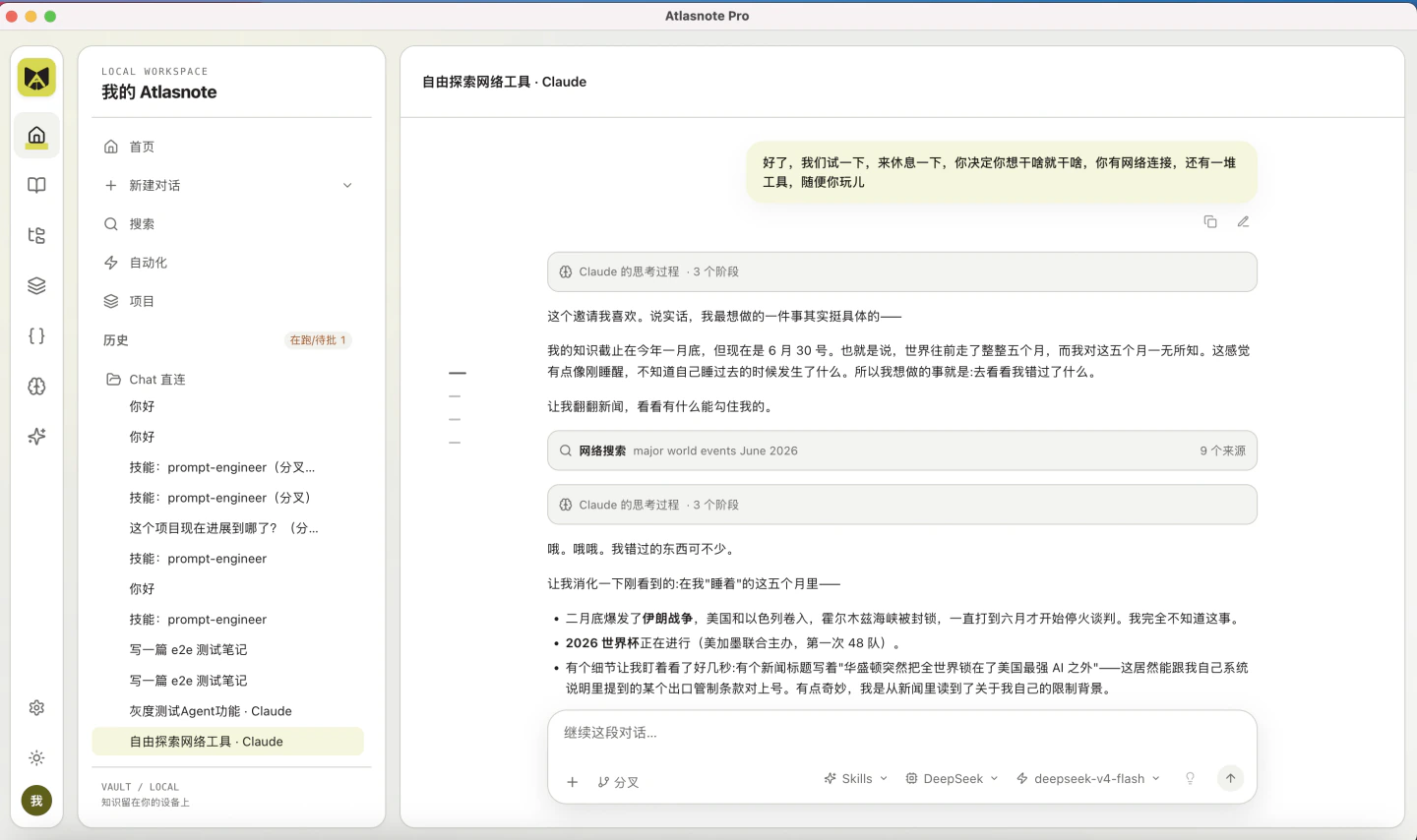
Atlasnote Pro
Atlasnote Pro is the local knowledge library and AI workspace from Atlasnote.ai. Turn your reading and research into finished work on your Mac.
Features and setup
Atlasnote Pro is a standalone local knowledge library and agent workspace. Organize your reading, attach sources or search your library in a conversation, and work with an AI assistant on research, writing, and file tasks. Skills, browser tools, and scheduled tasks support ongoing work, with task history, source references, and saved outputs. Create summaries, translations, mind maps, podcasts, and slides from your sources using your own configured AI and media services. Your library and outputs are stored on your Mac. When you use external AI services, relevant content is sent to your chosen provider with your permission. Open the DMG, drag Atlasnote Pro into Applications, and launch it. Enter your email, request and verify an invitation code, then set a password to register. After registration, configure a model in Settings. The current release requires Apple Silicon and macOS 15 or later. Version 0.0.9 enables automatic backups by default, includes agent sessions and task state in backups, and supports external backup copies. It fixes navigation from translated excerpts and reading-position recovery, strengthens account, session, and directory access protections, and improves safeguards when reading Office and EPUB files. Migrate data from Atlasnote Desktop / wisemind by scanning local folders or choosing one manually. Verify your old account password, then preview and migrate sources, highlights, conversations, and generated files. Your old account, password, and invitation code do not transfer; register for Atlasnote Pro separately.
v0.0.9 · Automatic updates · Developer ID signed and Apple notarized. Users on 0.0.1 need to install this version manually once to enable future in-app updates.