Why it matters
It puts model discovery, runtime controls, chat and a programmable server in one interface, shortening the path from trying an open model to using it in a real workflow.
LM Studio
Added 2026-08-11A desktop app for discovering, downloading, chatting with and serving open models on your own computer.
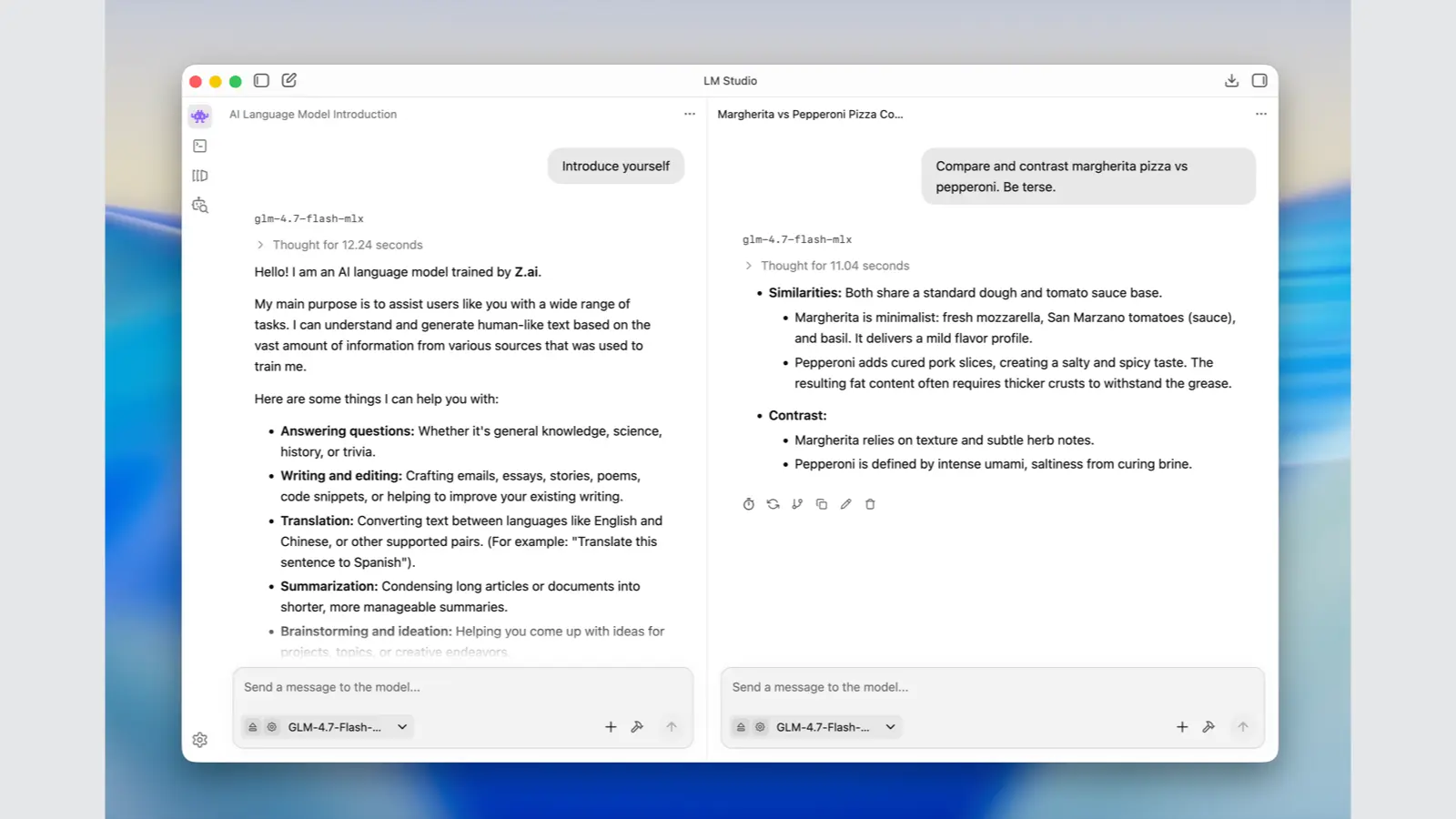
LM Studio gives local models a graphical front end without ending at the chat window. You can search for and download compatible models, compare sizes and quantizations, choose load and inference settings, chat with them, attach documents, or expose a loaded model to other apps through local APIs. Once the app, runtime and model files are already present, its core chat, document and server workflows can run offline; model search, downloads and updates still need network access. Its advantage over a command-line-first runtime is visibility and control, while the constraint remains your hardware: model quality, context length and speed depend on available RAM or VRAM.