Why it matters
It puts generative tooling where the layout already lives, so the AI step never leaves the design file.
Canva AI
Supercharge design workflows with AI tools for text, images, and layouts.
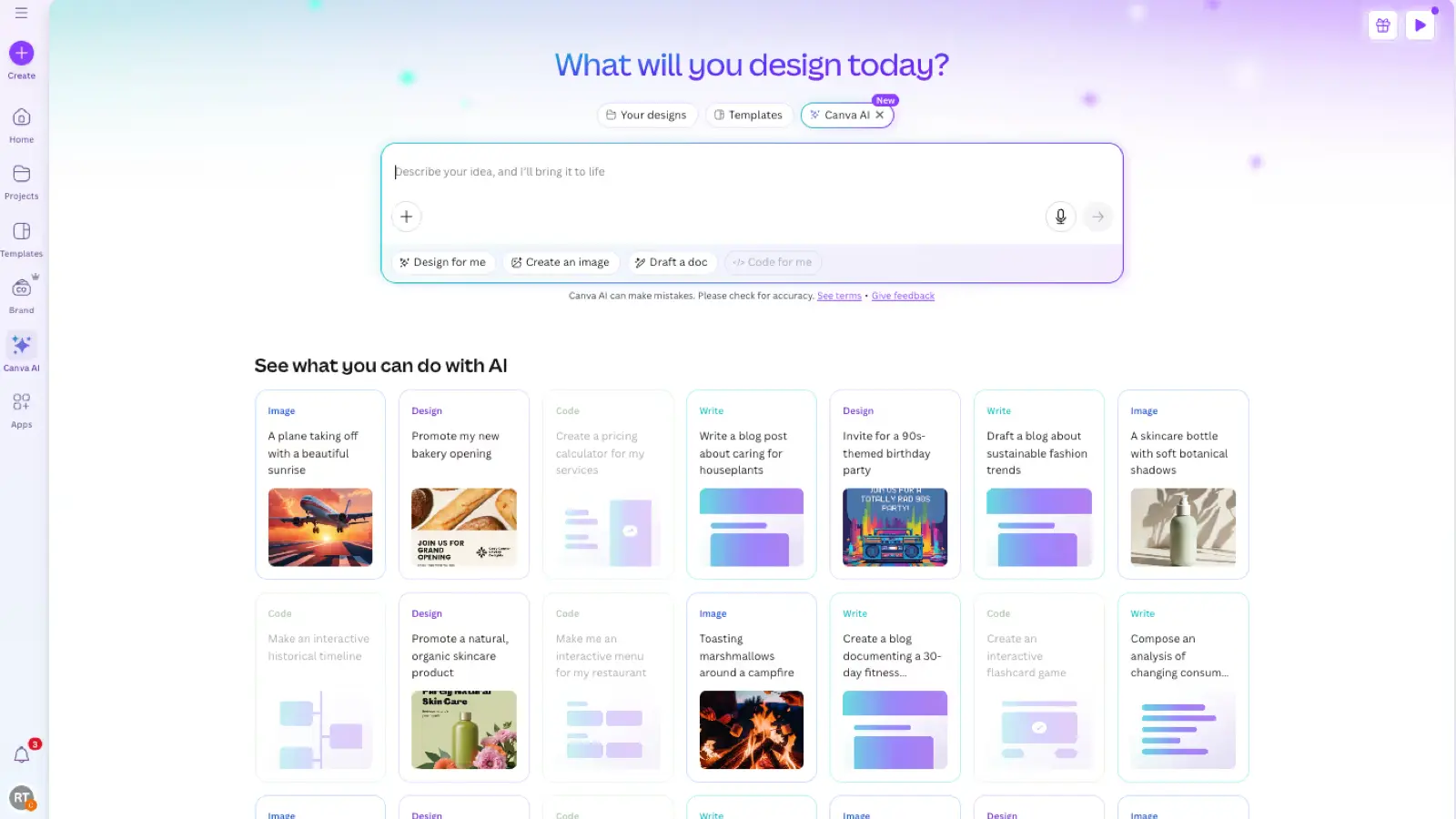
Canva folded its AI features into the editor rather than shipping them as a separate product. You describe what you want, and image generation, background removal, copywriting and resizing happen against the document you are already working in. That framing is the point: the output lands as editable layers on a real canvas, not as a flat file you have to rebuild. For teams without a designer, the brand kit is the load-bearing feature — it constrains generated output to approved colors and type, which is what keeps volume work from drifting off-brand.