Web Access
Traceable Reading Through Your Browser
Combine host search and extraction with a local browser connection for dynamic pages, independent-site comparisons and URL recovery, with explicit sources and access boundaries.
Hosts listed by the author
- Claude Code
- Codex
- Cursor
- Gemini CLI
- GitHub stars
- 9,296
- Version
- 2.6.0
- Checked
- Categories
- Content & KnowledgeEngineering
Define the content you need before choosing an access method.
Provide URLs, fields and a clear scope. Use appropriate extraction for public text and the configured browser when sign-in or interaction is necessary. Complete the author’s connection setup before the first task.
Pick a task and get started
Install in a host that supports Skills, identify the actual installation directory, then complete the connection setup below. Replace placeholders and send a task prompt to the assistant; do not paste the entire prompt into a terminal.
Confirm a product capability, version change or announcement, with a traceable connection between each finding and its source.
Install the skill with its supporting scripts
The author’s installation command requires Node.js. Choose the host and location, then confirm scripts/ and templates/ are present. This command does not pin a version. Read the v2.6 data-migration instructions before updating an older installation.
Read the author’s setup guidenpx skills add eze-is/web-accessConfirm the data directory and connection first
Have the assistant identify SKILL.md and scripts/check-deps.mjs in the actual installation, then run preflight. Exit 2 requests browser selection: review candidates, choose the root containing Local State, and set WEB_ACCESS_BROWSER in ~/.web-access/config.env. Do not select a Default/Profile subdirectory. Open chrome://inspect/#remote-debugging in that browser (edge:// for Edge), enable Allow remote debugging, approve the connection and check connected: true. The author’s default workflow performs this check before web tasks, even when the final read uses public text extraction.
Read configuration and migration instructionsGive your AI this first task
These editorial task examples follow the fixed revision; the author’s tool was not run. Results are acceptance targets. Reading scope, third-party restrictions and redaction are additional constraints made explicit in the examples.
Use web-access to investigate [specific question] within [official sites or known URLs], as of [date]. Verify [fields or claims] and deliver to [new report path, or reply here]. Read SKILL.md in the actual installation directory and confirm that scripts/ and templates/ are available. Run node "<actual skill directory>/scripts/check-deps.mjs" as the preflight. If first-time configuration is needed, show the candidate browsers and let me choose the data root containing Local State; update only the relevant settings in ~/.web-access/config.env. I will enable remote debugging and approve the browser connection. Report a failed check accurately; reuse an existing healthy connection. Read known URLs directly where possible. Use the host’s search tool to discover sources, then choose page extraction, raw HTML or the browser as needed. Search snippets locate evidence; they do not replace reading it. Consider Jina only for suitable public text and disclose its use. Do not send internal, authenticated or session-token URLs to it. Do not search my local browsing history for this task. For every finding, retain the source title, a shareable URL, the publication or access date, and what directly supports the claim. Separate source facts, your interpretation and unresolved points. Reprints of one announcement are not independent corroboration. After browser navigation, check for the requested content; a loading screen, login redirect or verification page does not count as a completed read. Deliver a finding/evidence/date/access-status table and open questions. Record and close only the targetIds you created. Preserve existing user tabs and the shared Proxy. Leave unread claims unconfirmed.
Check what you receive
- A source table whose findings can be checked against the original text.
- Dates and access gaps remain visible; opening a page is not treated as verifying its contents.
- Task-created tabs are cleaned up, and any third-party text service is disclosed.
More about this skill
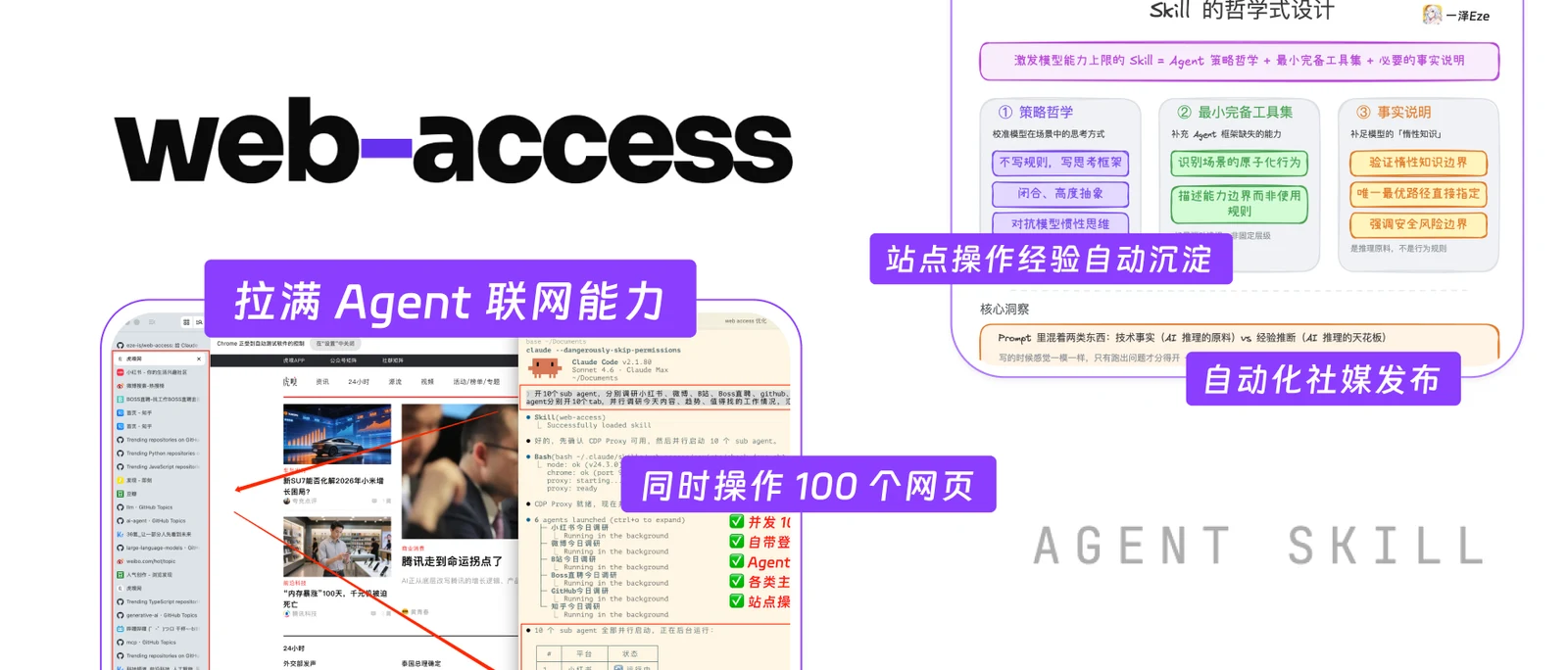
Web Access combines instructions for web work with local Node.js scripts. It coordinates the host’s existing search and extraction tools with a CDP Proxy connected to your everyday browser. The assistant chooses an entry point, checks the page and produces a result grounded in what it actually accessed. Search tools and subagent support still come from the host.
The four main approaches in the author’s guide are WebSearch, WebFetch, curl and browser CDP. Jina is optional third-party text preprocessing, and a separate script searches local Chrome or Edge bookmarks and history. Static access suits public text; the browser adds dynamic content, existing sign-in state and interaction. Access and completeness must be checked for the current task.
Tasks share the selected browser, sign-in state and persistent proxy. Separate tabs help divide work without creating separate accounts or sessions. Site experience lives in local Markdown: it helps only when the assistant actually saves it, reads it on a later run and checks whether it still applies.
Sources and verification
Sources checked
Nineteen fixed-revision author files were read in full, including the README, SKILL, configuration, migration references and ten implementation scripts. No author program was installed or run; no user browser, history, account or credentials were accessed, and output quality was not tested.