Keep sources, compiled pages and evidence for queries and agent handoffs
SwarmVault
A Local Wiki With Traceable Context
Organize documents and code into Markdown, a knowledge graph and a search index on disk. The companion skill teaches an assistant how to use those files and commands for ongoing research, source checks and focused handoffs.
Hosts listed by the author
- Claude Code
- Codex
- Cursor
- Gemini CLI
- GitHub Copilot
- OpenCode
- Windsurf
- Kiro
- Cline
- Antigravity
- OpenClaw
- Goose
- Amp
- Trae
- GitHub stars
- 731
- Version
- 3.20.0
- Checked
Check sources before judging answer quality
Run the local workflow with three small demonstration documents first. Default queries list relevant pages and excerpts, making them useful for checking files, indexes and provenance. Choose a model provider later if you need stronger synthesis.
Pick a task and get started
Install the CLI and initialize a separate directory. The first task supplies demonstration material, the second needs an already compiled codebase, and the third adds a proposed update to the first task’s vault.
Use known facts and an explicit unknown to check sources, indexing and saved results without a model key.
Install the published CLI and check its version
Check node --version for Node.js ≥24 first. This installs the CLI globally; it does not install skills, MCP configuration or hooks into every project. The guide pins verified published release 3.20.0, while the main branch declares 3.21.0.
Read the author’s setup guidenpm install -g @swarmvaultai/[email protected] swarmvault --versionKeep the vault separate from its inputs
Create an empty directory where the generated files should live, initialize it with the commands below, then read swarmvault.schema.md and swarmvault.config.json to confirm the default heuristic routing. If SWARMVAULT_OUT is set, check its destination: generated directories move there while configuration and the schema stay at the root. The first task can use the CLI directly. For automatic assistant discovery, separately run swarmvault install --agent claude --scope project, followed by swarmvault install status --agent claude --scope project. That install may also edit the project’s .gitignore and a strict-JSON tsconfig.json.
Read the author’s initialization and agent setup guidemkdir my-vault cd my-vault swarmvault init swarmvault nextGive your AI this first task
These are editorial examples. Replace bracketed fields with real paths or targets. Author-documentation URLs are included for assistants without the companion skill; install the CLI first. Run commands from the vault root and take all source and artifact IDs from actual output.
Use SwarmVault 3.20.0 in the empty experimental vault initialized above. Read https://github.com/swarmclawai/swarmvault/blob/4ce0c7cb545c669f3cd35fc6d0300c6b088a52ea/skills/swarmvault/examples/quickstart.md, https://github.com/swarmclawai/swarmvault/blob/4ce0c7cb545c669f3cd35fc6d0300c6b088a52ea/skills/swarmvault/references/commands.md and https://github.com/swarmclawai/swarmvault/blob/4ce0c7cb545c669f3cd35fc6d0300c6b088a52ea/skills/swarmvault/references/artifacts.md, plus this vault’s schema and config. Confirm default heuristic routing with no cloud model or embedding service configured. Create three Markdown files in a new ../demo-inputs directory beside the vault. Label them “editorial demonstration data” and do not overwrite existing files: - overview.md: Paperbridge is a demonstration project that summarizes weekly project changes. Its owner is Lin Qing. - schedule.md: Paperbridge creates an internal draft every Tuesday at 15:00, Asia/Shanghai. The owner checks it before it is sent. - open-questions.md: Paperbridge’s document retention period has not been decided. From the vault root, run: swarmvault ingest ../demo-inputs --no-guide swarmvault compile swarmvault next swarmvault graph validate --strict Then run swarmvault query separately for “Who owns Paperbridge?”, “When does Paperbridge create its internal draft?” and “How long does Paperbridge retain documents?”. Keep the default save behavior. Check import counts and warnings, raw/sources, wiki/sources, wiki/graph/report.md, state/graph.json, state/retrieval, and the query output paths actually returned. Heuristic output lists relevant pages and excerpts; do not present it as completed deep reasoning. Deliver the original query output and a separate source-check table: Lin Qing is the owner, the schedule includes its timezone, and retention remains undecided. Trace each item to the corresponding original. Graph validation checks structure, not the truth of these facts. Mark unrun or failed steps honestly instead of writing a success record.
Check what you receive
- The three ingested documents, wiki pages, graph and retrieval index in a separate vault, with actual paths.
- Three saved query outputs and an item-by-item source check for the owner, schedule and unknown retention period.
- Import warnings, graph structure validation and unresolved issues, separating command success from content verification.
More about this skill
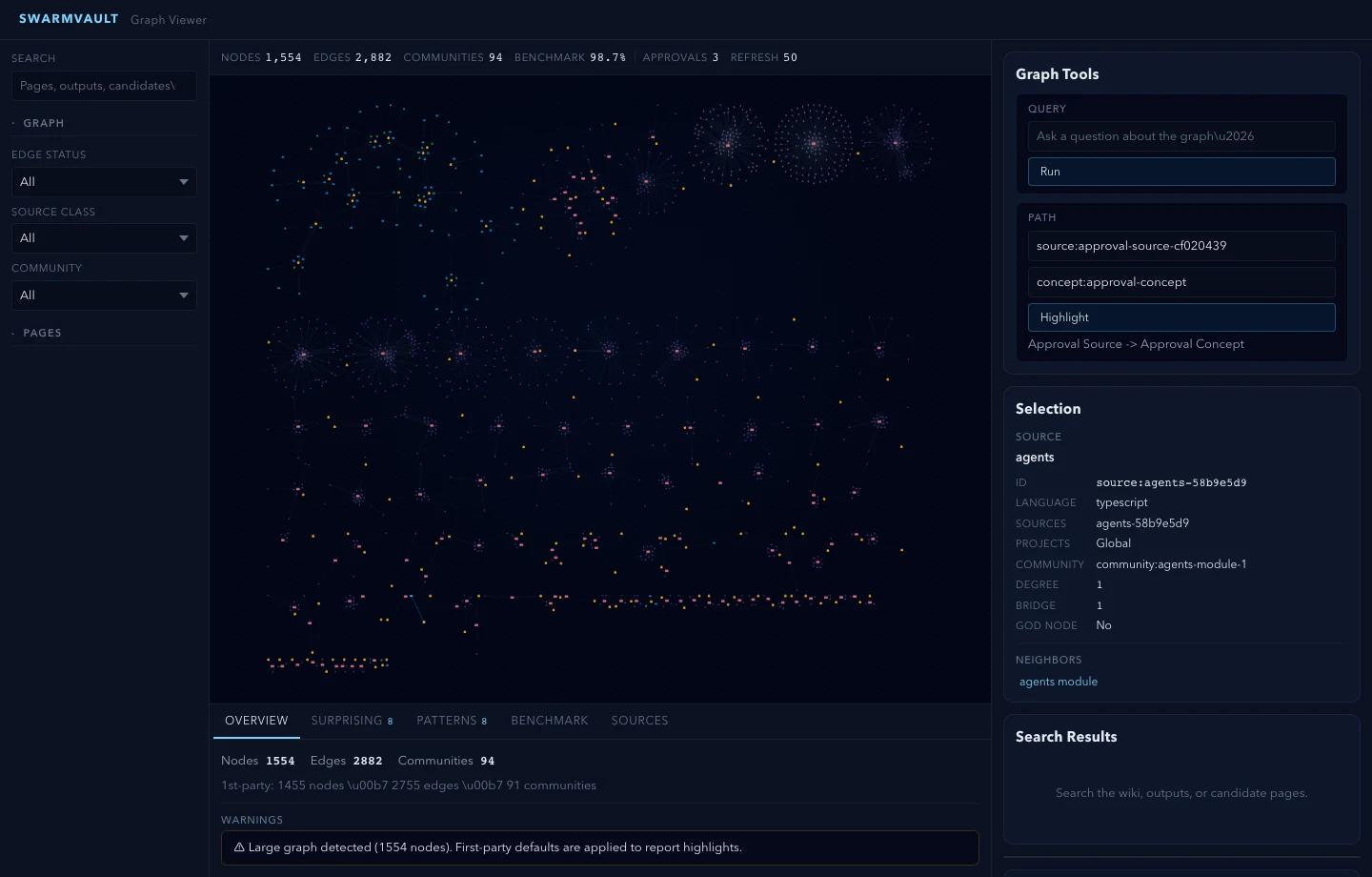
SwarmVault keeps its main outputs on disk. raw holds ingested material, wiki holds compiled Markdown and saved answers, and swarmvault.schema.md describes naming, organization and grounding rules. The graph and search index help an assistant locate relevant information, so later work can continue from inspectable files rather than only from a previous conversation.
The product consists of a CLI, an engine and a viewer. Its companion swarmvault skill guides an assistant through ingest, compile, query, freshness checks and handoffs. Installing the skill alone does not install the processing commands; the CLI can also be used directly. MCP, project instructions, refresh hooks and the desktop app are separate entry points, each with its own setup.
The default heuristic route lets you build pages, a graph and a search index from local text. Its query output contains relevant pages and wiki or raw-source excerpts for inspection. It is not full language-model synthesis and does not provide embeddings by itself. Adding a model changes the quality, cost and data flow: the model receives the context selected for the query.
For the next agent, context build selects pages, nodes and relationships around a goal, writes Markdown and JSON, and lists items omitted because of the budget. The pack has a scope and gaps; an omitted item is not evidence that the information does not exist. Its budget is an estimate for included evidence, while the complete document also contains instructions, graph orientation and an omissions list.
Maintenance has distinct operations. An ordinary compile applies generated content. compile --approve stages page and graph changes for review. Concepts and entities can begin as candidates, but later compiles may promote eligible candidates automatically. A candidate folder therefore does not establish a mandatory human approval gate; use the explicit review workflow when changes need inspection.
This guide covers three tasks: a small verifiable document vault, a handoff pack for an existing codebase, and a proposed update kept pending review. The instructions use the pinned source and documentation for published version 3.20.0. We have not installed or run the CLI; the files and checks below are expected deliverables from carrying out the tasks.
Sources and verification
Sources checked
Read the published 3.20.0 README, companion skill, command and artifact references, and relevant examples in full. Also inspected the selected CLI, query, compile and ingest code paths and the full context-pack implementation. No CLI installation, execution, viewer session or external model call was performed.