Photo Revival
Keep the memory, redraw it as a small paper scene
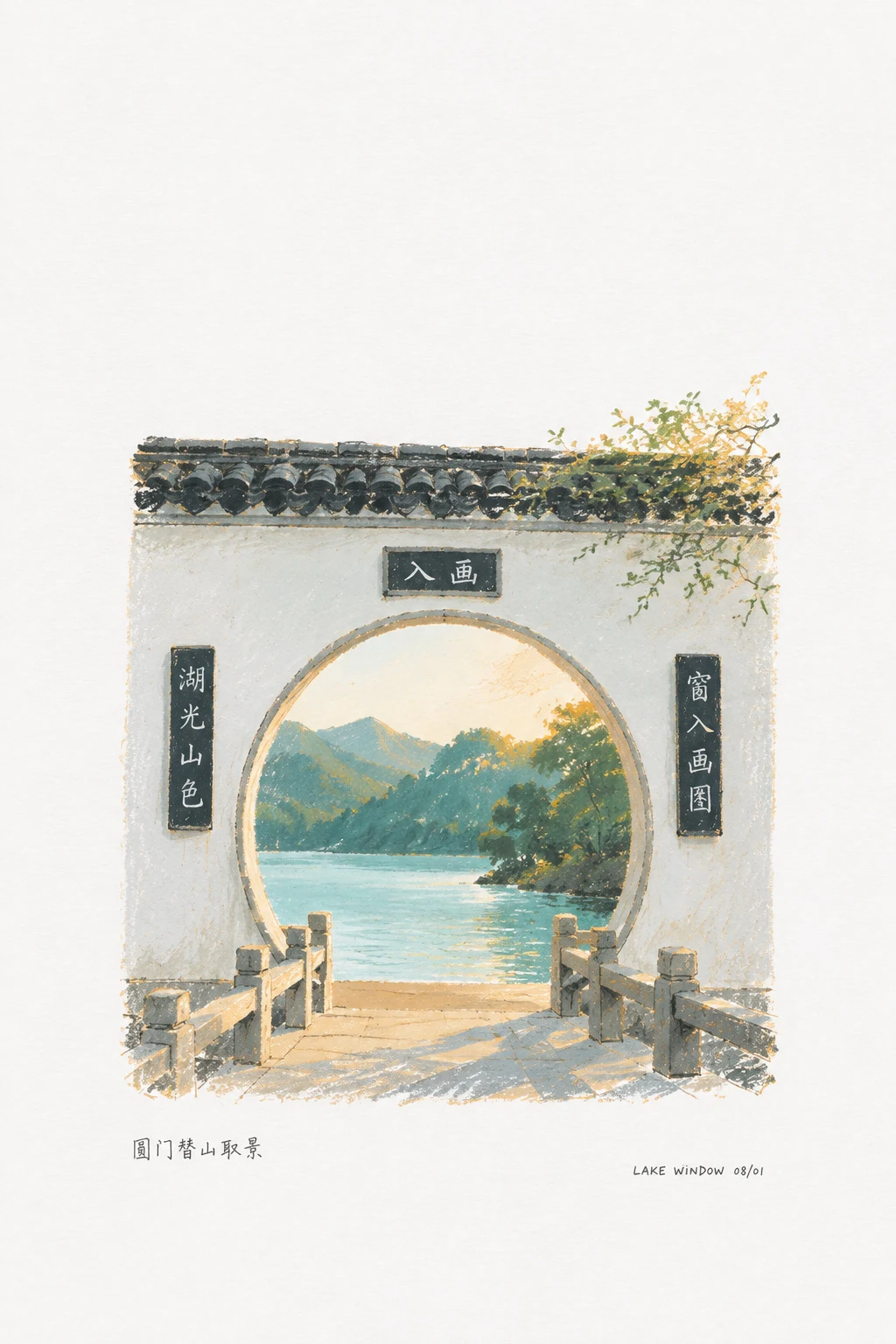
Keep a snapshot's memorable cues and redraw them as a small illustration on white paper, with vivid color confined to the scene and text reduced to a tiny note.
First-use environment
- Codex CLI / IDE: project-local .agents/skills/photo-revival/
- Other hosts: configure their skill loader and image tools separately
- GitHub stars
- 601
- Checked
- Categories
- Design & Video
Start with less text and fewer details
Choose an everyday photo whose subject is still recognizable, identify 1–3 memory cues and make one page first. No text or a single short caption makes composition easier to inspect. Apply the same method to several photos after that.
Pick a task and get started
Download and unpack the complete repository as described by the author. Rename its root folder photo-revival and place it in the project's .agents/skills/. Confirm that .agents/skills/photo-revival/SKILL.md is the direct entry, open a supported session from that project, attach a photo and use the first task.
Attach a photo with a recognizable subject and identify the subject, spatial relation or detail you most want to keep. Start with one page and a single short caption, or no text.
Install the complete folder for one project
Read the author's installation steps first. This page uses a project-local folder for Codex CLI / IDE. Keep the repository together with photo-revival/SKILL.md directly inside the skill folder. Installation adds instructions, not an image service.
Read the author’s setup guideUse the reviewed snapshot and confirm discovery
The link below downloads the reviewed commit. Rename the folder containing SKILL.md to photo-revival without adding an extra nested directory, and preserve existing local changes. In Codex CLI / IDE, use /skills or type $ to find photo-revival. Start a new task or restart if it has not refreshed. User-wide installation uses ~/.agents/skills/. Confirm that the source photo is readable and an image tool is available before generating.
Download the reviewed commit ZIPGive your AI this first task
These are editorial requests and expected handoffs, not results measured here. Attach real photos and replace the wording. The three-image batch and one additional revision are limits chosen for these examples, not named modes or built-in retry counts.
Use $photo-revival to redraw the attached everyday photo as a small hand-drawn illustration on white paper. Inspect the actual source first and list its 1–3 most important memory cues: the subject, its position relative to nearby objects, and a visible distinguishing detail. Do not turn unclear areas into factual claims. Preserve those cues in simplified form, redrawing with pencil edges, watercolor softness or dry-brush marks. Use a vertical 3:4 canvas on white or near-white paper. Target an illustrated area of 10%–16% of the page, no more than 18%, with roughly 80%–88% open white paper. Place the scene slightly below center or gently off-axis. Keep strong color within the illustration rather than spreading it across the background. Use only the tiny handwritten caption “A quiet moment.” Add no date or other wording. Supply the original photograph as an actual image input for generation. If the environment cannot read or generate images, state the missing capability instead of presenting prose as a finished picture. Inspect the actual result for aspect ratio, memory cues, subject area, white space, localized color and the exact caption. Label area judgments as visual estimates when no measurement tool is available. Identify distorted text or an oversized subject and explain the adjustment needed. Return the image, the short prompt used, and a concise account of preserved details, completed checks and remaining drift.
Check what you receive
- One generated 3:4 white-paper illustration, with actual dimensions or any aspect-ratio deviation reported.
- A simplified version of the source's memory cues, checked against the original and the page composition.
- The generation prompt and brief review notes, keeping estimates, text errors and unresolved issues distinct from a measured pass.
More about this skill
Photo Revival redraws ordinary photographs as small illustrations on white paper. It identifies the subject, setting and a few memorable details, then rebuilds them with pencil edges, watercolor, dry brush or light print grain. It preserves relationships that recall the moment, rather than copying pixels or recovering unclear details as factual evidence.
The default is a vertical 3:4 page dominated by white or near-white paper. The author targets an illustrated area of 10%–16%, with an 18% maximum, and roughly 80%–88% open paper. Strong color stays within the small illustration. Several local colors are allowed; this is not a single-accent palette or an aged-yellow-paper style by default.
This is a short instruction-based skill. The repository supplies the SKILL, documentation, interface metadata and samples, with no retouching engine, generation script or automatic area detector. The host must read photos, generate images and inspect results. Installation does not configure an image service, account or credits.
The documentation covers one-photo use, trying several photos and correcting drifted results. The three tasks below follow those practical branches. Each requires inspection of actual output: the percentages are design constraints to work toward, while wording and memory cues need comparison with the source.
Sources and verification
Sources checked
All four author text files and the official local-skill installation guide were read in full. No installation, image-service call or third-party code execution was performed.