Google Workspace CLI
Inspect the API, then organize files and data
Use gws and its skills to inventory Drive folders, export documents, review upcoming events, and append data to a specified test sheet.
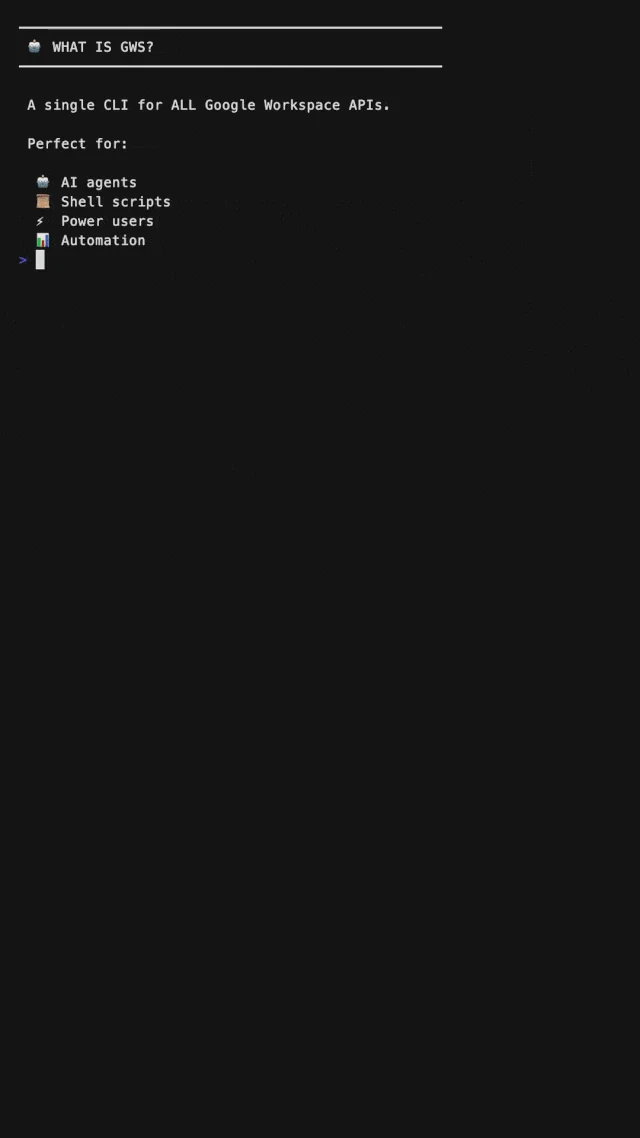
Project demo
View example sourceHosts listed by the author
- Gemini CLI
- OpenClaw
- GitHub stars
- 31,997
- Version
- 0.22.5
- Checked
- Categories
- EngineeringProduct & Project
Start with a read-only inventory of one small folder
Authorize Drive reading, verify the folder ID, and list its direct children. Keep the paginated responses and source links before expanding to exports, calendars, or writes.
Pick a task and get started
Configure the Google project and read-only login in your own terminal, then give the assistant brief.md and task one. Inline JSON commands below use Bash/zsh quoting; other shells must pass the same JSON using their own quoting rules.
Collect project files with their names, types, timestamps, and links.
Install gws and the skills you need
npm installs gws globally at reviewed release 0.22.5; skills are selected from the current repository and may be newer. npm downloads the executable, while the skills installer lets you choose a host and location. Configure the project and OAuth afterwards.
Read the author’s setup guidenpm install -g @googleworkspace/[email protected] npx skills add https://github.com/googleworkspace/cliFirst read: project, authorization, then folder
Create brief.md with a small My Drive folder URL, its ID, and the purpose of the inventory. After installation, enable Drive API in your Google Cloud project and follow the manual OAuth setup. For an External app in Testing, add yourself as a test user, create a Desktop app client, and save its JSON as ~/.config/gws/client_secret.json unless you use a custom config directory. Run gws auth login --scopes https://www.googleapis.com/auth/drive.readonly yourself; the CLI also adds identity scopes. Use gws auth status to check the user, granted scopes, and token state; it may refresh tokens and contact Google. Then run task one and spot-check the resulting links.
Installation and manual OAuth setupGive your AI this first task
These are editorial prompts and examples. Replace IDs, tab names, and data. Expected outputs are not results from our access to a Google account.
Use gws-drive to inventory the folder in brief.md without moving, sharing, or deleting files. Inspect gws schema drive.files.get and gws schema drive.files.list. Use files get with fileId/fields to confirm the folder name and MIME type. Replace FOLDER_ID and run: gws drive files list --params '{"q":"'\''FOLDER_ID'\'' in parents and trashed=false","pageSize":100,"fields":"nextPageToken,files(id,name,mimeType,modifiedTime,webViewLink)"}' --page-all --page-limit 10 --format json. This excludes trashed items and lists direct children only. Include subfolders as entries without recursively reading them. Save stdout as inventory.pages.ndjson and record stderr and exit status separately. In JSON pagination mode, each line is an entire response page, not one file. Extract files from all pages into inventory.csv with a scope note. Do not use -o for this JSON output; it selects a binary download path. Check whether the last page still has nextPageToken. --page-all remains limited to 10 pages by default. If incomplete, say so and rerun with a suitable larger limit, replacing the earlier inventory rather than duplicating its pages. Check unique file IDs, folder coverage, and a few webViewLink values; leave unavailable fields blank.
Check what you receive
- An inventory with IDs, types, timestamps, and links.
- Original response pages and a scope note.
- Pagination, duplicate-ID, and link checks.
More about this skill
gws is the command-line tool in googleworkspace/cli. Its skills teach an assistant how to use services, helpers, and task recipes. Service skills describe API resources; plus-prefixed helpers simplify common work; personas and recipes organize broader tasks. None of these grants access to an account.
Most commands are generated from Google Discovery documents at runtime. Use --help to find resources and gws schema to inspect parameters and request bodies. Discovery documents are cached for 24 hours by default. A visible command is not proof of authorization, nor a guarantee that every new Google feature works without a CLI update.
The four tasks use different entry points for a reason. Drive inventory and PDF export use dynamic API methods; a near-term agenda uses +agenda. Appending to a specific tab with explicit value handling uses spreadsheets.values.append, where the request remains under your control.
Sources and verification
Sources checked
Statically reviewed at a3768d0 against release v0.22.5, with the Sheets helper difference noted. We did not install, authenticate, or access account data.