A Chinese-language document tutor and six learning methods
Bloom
Let Your Questions and Answers Shape the Next Lesson
Bloom keeps learning in a course folder: it creates a syllabus and first lesson, then uses your answers and annotations to write the next one. The plugin also offers standalone methods for choosing a direction, mapping concepts, building prototypes and explaining your understanding.
Hosts listed by the author
- Claude Code
- GitHub stars
- 294
- Version
- 1.0.0
- Checked
- Categories
- Content & KnowledgeOther
Read one lesson, then leave feedback it can act on
Start with one practical ability. Answer the first lesson’s questions independently and annotate specific difficulties. Check whether the next lesson responds to that evidence. When you think you understand, use learn-feynman or a small project to test it.
Pick a task and get started
Install the plugin inside Claude Code and open your chosen learning directory. Each prompt below names the skill explicitly because a general “help me learn X” can match both the tutor and learn-deep. Complete one task before expanding.
Bring the topic, confirmed prior knowledge, a concrete goal and available time. The main tutor immediately creates the syllabus and first lesson, so include that background in the starting request. It does not begin with a diagnostic quiz.
Install all seven skills in Claude Code
Enter these lines inside Claude Code: add the li-evan marketplace, then install and enable bloom. The plugin bundles bloom-tutor and six learn-* skills, without starting the web backend. Name the desired skill explicitly in your learning directory afterward.
Read the author’s setup guide/plugin marketplace add Li-Evan/Bloom /plugin install bloom@li-evanKeep the course folders and learning root together
Confirm that Claude Code can read and write in your chosen directory and that the bloom plugin is enabled. Name bloom-tutor when starting a continuing course; the first turn should create a syllabus and 01.md. Save your answers and annotations before asking to continue the named course and lesson. Explicitly ask to organize recent learning or review the learning record when needed. Back up the root log alongside the topic folders and reopen the same learning directory in a new session.
Read the tutor’s file and interaction contractGive your AI this first task
These editorial examples follow the current source instructions and were not run with a model. Replace filenames and background with your real situation. Method tasks normally deliver in conversation; if you request a saved file, verify the actual path. The first two examples use the tutor’s required Chinese output; the method skills have no equivalent fixed-language rule, but their English behavior was not tested.
Use bloom-tutor to create a sql-joins/ folder in my current learning directory and teach me SQL joins in Chinese, as the tutor requires. I know SELECT, WHERE and basic grouping, but have not studied joins. My goal is to choose between INNER JOIN and LEFT JOIN and explain why a result has extra rows or NULL values. Choose simple depth and aim for about 20 minutes of reading per lesson. In this turn, produce syllabus.md and the first lesson, 01.md. The syllabus should state observable abilities and exclusions; the first lesson should contain small tables, explanations, 2–3 thought questions without answers and a feedback section. Use only the background I have stated. Do not treat generated content or checked boxes as evidence that I have learned it. Return the file paths, then wait for me to read, answer and provide feedback.
Check what you receive
- sql-joins/syllabus.md and 01.md, with observable goals, scope, explanations, thought questions and a feedback area. Later lessons are generated individually; their number adapts to the interaction.
- Open the files and check that the goals fit your use case. Answer before continuing. Syllabus ticks track coverage in the workflow, not demonstrated mastery.
More about this skill
Bloom’s main bloom-tutor skill teaches through Chinese Markdown documents. Each topic has a folder. Its syllabus defines intended abilities, while lessons are generated one at a time. The first request produces syllabus.md and 01.md immediately, without a diagnostic interview. State your current knowledge, practical goal and desired depth before it starts.
Your answers and specific questions shape the next lesson. Save thought-question answers in the feedback section, add ???[...] or ???[...] beside confusing passages, and name the course and lesson you have finished. The protocol calls for reading the existing material and, where needed, at most two rounds of clarification. The next document reviews answers, addresses annotations and then adds content. This is a document-based sequence with short conversations, not endless questioning or batch textbook generation.
The plugin also includes six learn-* skills. learn-deep asks about your background and gives a short pass through five perspectives before helping you choose a direction. The individual methods cover analogies, learning-depth decisions, knowledge maps, prototype iteration and explanation checks. They can be used separately and generally work in conversation; they do not inherit the main tutor’s default course-file and logging workflow.
The records have concrete locations: a topic folder holds the syllabus, numbered lessons and final summary, while the learning root holds an append-only learning-log.jsonl. Retain those files and identify the topic and last-read lesson when resuming. The log summarizes new documents and concepts. It neither automatically observes your learning nor certifies mastery.
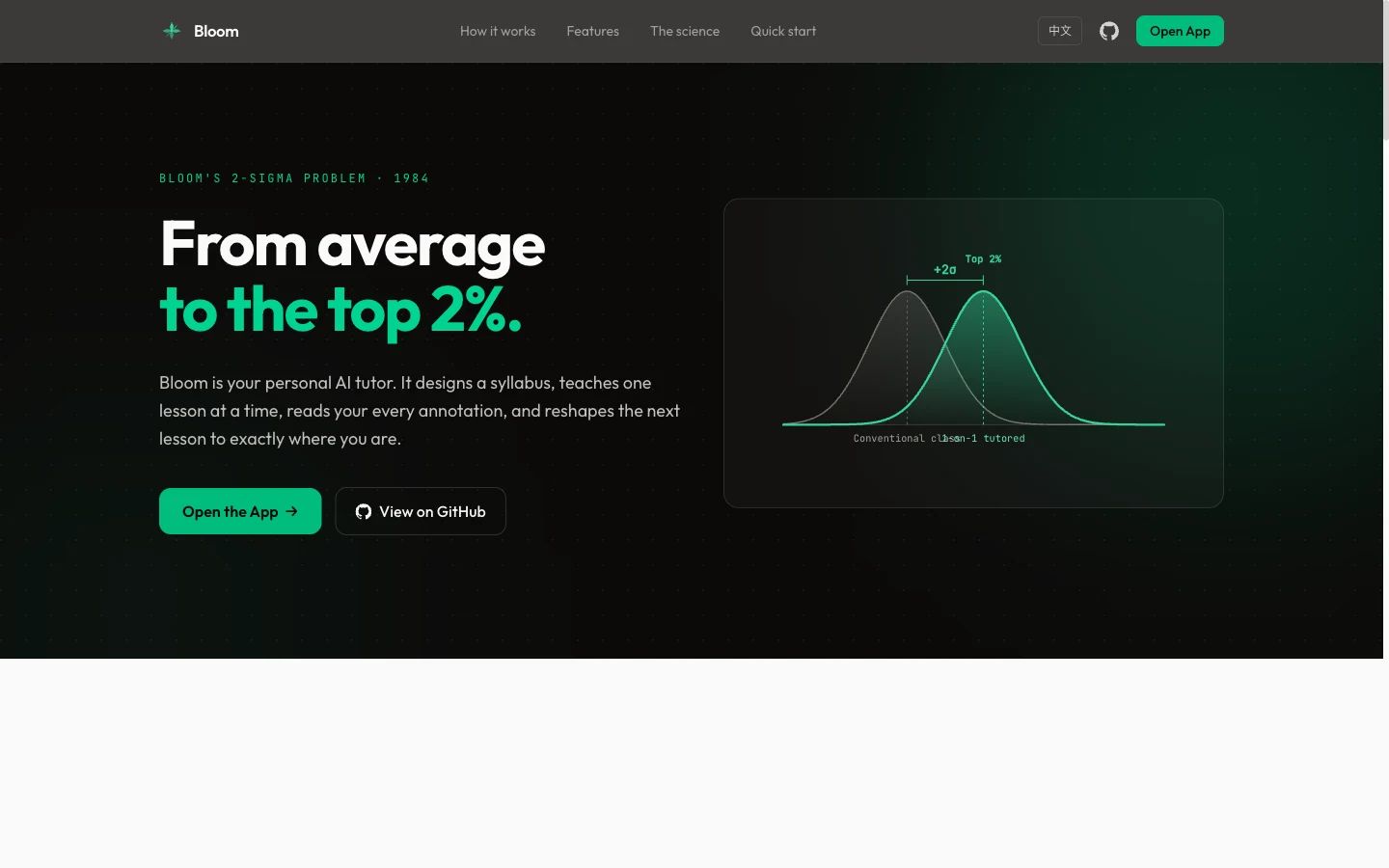
The author draws on Bloom’s research into one-to-one tutoring, but that does not establish an equivalent achievement gain from this AI tool. Syllabus progression follows content coverage. The evaluation article mainly reviews the preceding lesson’s answers and questions, and may show solutions when no answer was submitted. Use independent explanation, practice and transfer to a new setting to assess what you have learned.
Sources and verification
Sources checked
Checked the pinned seven skills, course and logging protocols, plugin manifests, installation docs and relevant storage code. No plugin installation, web-app run or model call was performed. Tutoring quality and learning outcomes were not measured.