Identify the product, then answer one buying question at a time
Ecommerce Visual Copy
From Evidence to Image Cards
Turn product records, source photos and a target placement into a visual strategy, storyboard, on-image copy and generation prompts. Plan new assets or revise existing ones, linking every claim to evidence and every frame to production and inspection instructions.
 Open the full original
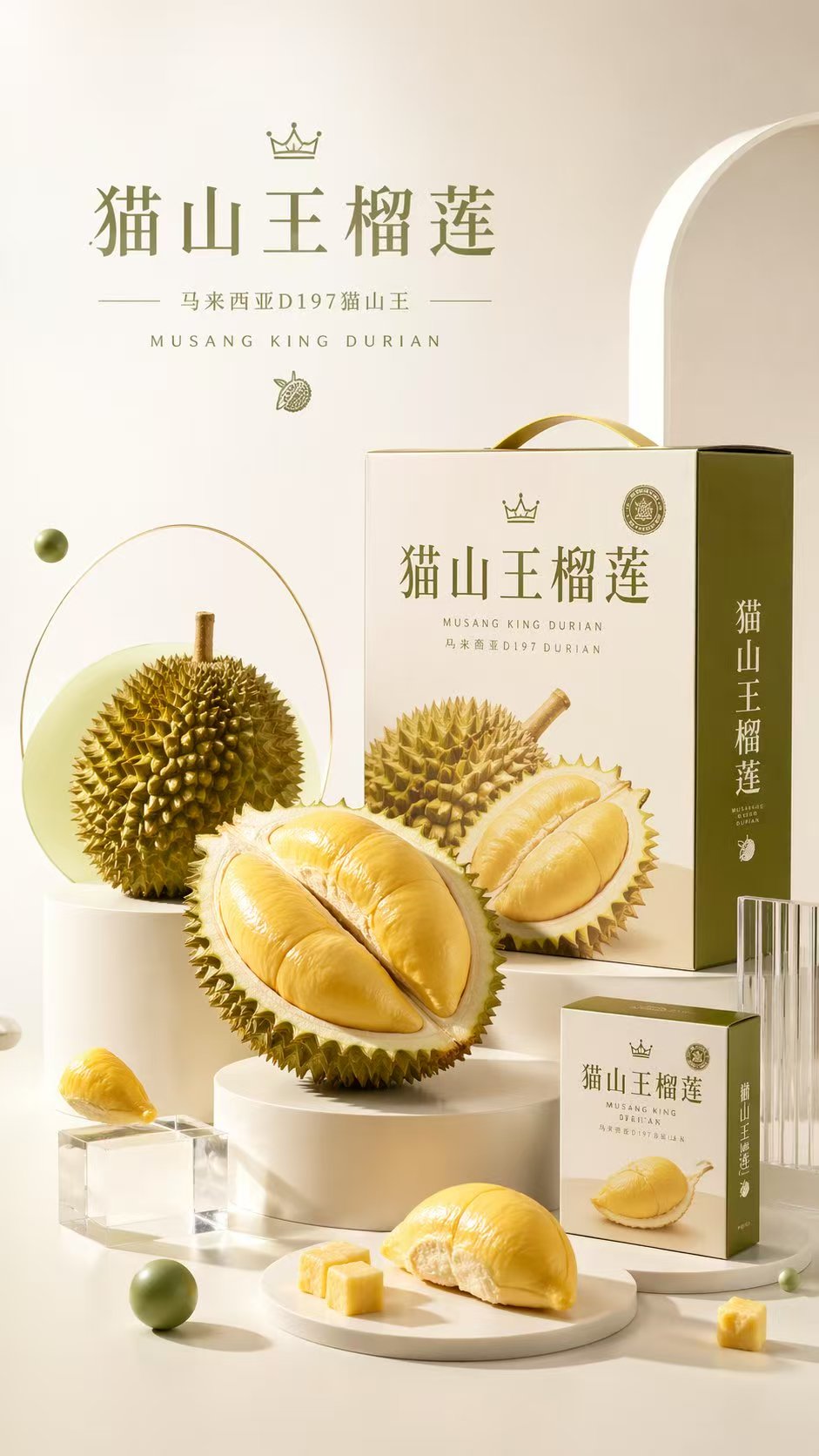
Cream and olive tones organize the fruit and gift box. The author’s walkthrough separates visual reference from missing product evidence; this older image is not an accepted output of the later card.
View author sourceBoth images come from the repository and illustrate visual formats; they were not generated here. The existing durian image informed a later teaching walkthrough but does not verify its origin or D197 claims. The lamp image’s craft wording is likewise not product evidence. MIT © 2026 OpenClaw Community.
Entry points
- SKILL.md-compatible assistants
- Claude Code
- Codex / Cursor
- GitHub stars
- 981
- Version
- 3.0.0
- Checked
- Categories
- Marketing & GrowthDesign & Video
Complete one clear product plan first
For a first run, use Standard mode to settle evidence and the storyboard. With complete material and a clear scope, request one-pass delivery; with existing work, request targeted revisions. A polished example, model score or completion message does not replace inspecting the actual product and images.
Pick a task and get started
Install and confirm the skill is loaded, then put your product materials where the assistant can read them. Choose one of the four tasks below. Filenames are editorial conventions to replace with real inputs.
Start with one product, its confirmed name, source photos, specifications and target placement. Decide what each image must explain before writing the production cards.
Install the complete visual-copy skill
Run the author’s command in a terminal and choose a supported assistant and installation scope. Invoke the skill in the assistant afterward. Installation does not configure an image-service account.
Read the author’s setup guidenpx skills add feichanggege/ecommerce-visual-copywriting-skillConfirm the current rules and prepare the materials
Ask the assistant to confirm it can read ecommerce-visual-copywriting/SKILL.md and references/output-contracts.md. Adding a Claude marketplace alone does not enable its plugin, and manual installation needs the supporting files. The author’s README provides macOS/Linux, Windows, Claude plugin and upload-package routes; use the one for your host. The first document task does not require an image API.
View manual and plugin installationGive your AI this first task
These editorial tasks follow the pinned source version. We did not run a model or image service. Replace product details and file paths; the results describe expected deliverables and checks.
Use ecommerce-visual-copywriting in Standard mode to plan Taobao product images for a product whose confirmed name is “厨房伸缩收纳架” (extendable kitchen storage rack). Read product-brief.md, specs.pdf, product-front.jpg, product-side.jpg and brand-guide.pdf; these are this task’s file conventions, so confirm the actual inputs first. Keep the confirmed Chinese product name. Help small-kitchen shoppers understand the product, dimensions and adjustment. Read SKILL.md and the output contract. Extract product and brand constraints, then build an evidence ledger with file/page, SKU, conditions and gaps. A photo does not establish material or load capacity; a verbal capacity claim is not a test report. Ask only one round of missing preferences and omit promotions when price and campaign evidence is absent. Propose one main purchase reason, a consistent visual direction and as many storyboard frames as the evidence supports. The first image should identify the product; later images cover supported use, dimensions and choices. Do not force five images or three selling points. Cite specific current platform rules only after reading the official text; otherwise mark them unverified. Deliver the strategy, ledger and storyboard with a self-review for the applicable stage. Combine direction and evidence questions after the storyboard and wait for my response. After confirmation, produce the image cards from the approved plan. Do not generate images or publish a listing.
Check what you receive
- A strategy, traceable evidence ledger and storyboard with a distinct purpose for each image. Keep missing evidence outside consumer-facing copy.
- After confirming the direction and supplying the required material, reply: “Approve this storyboard. Produce the cards from the confirmed material and retain unresolved gaps.” The next delivery should include scenes, copy, layout, independent prompts, exclusions and a self-review.
- Check the product name, image count and visual direction yourself. A passing draft review does not establish that images were generated or are ready to publish.
More about this skill
This is not a fixed five-image formula. New campaigns define buying reasons and image roles; handoffs supply production details; audits preserve valid work; localization reorganizes the story for the target market. Five images are a starting point, and unsupported selling points should not be added to reach three.
The evidence ledger records each claim’s source, SKU and conditions. The visual agreement fixes product identity, palette, lighting, type and text space. Both feed every image card so the copy and composition can be produced and checked together. Certification marks, packaging details or material appearance in a sample image do not prove the claims they suggest.
This guide follows a pinned main-branch commit, including changes the author lists as not yet part of release v3.0.0. The plugin manifest still says 3.0.0. If you install an older release package, inspect its actual routing, text-rendering and review instructions before assuming it contains these updates.
Sources and verification
Sources checked
Read the pinned README, complete Chinese skill, six reference files, examples, two checkers, license and changelog; inspected two author showcase images. No skill installation, third-party script execution, model call, image generation or real-product review was performed.